Key Takeaways
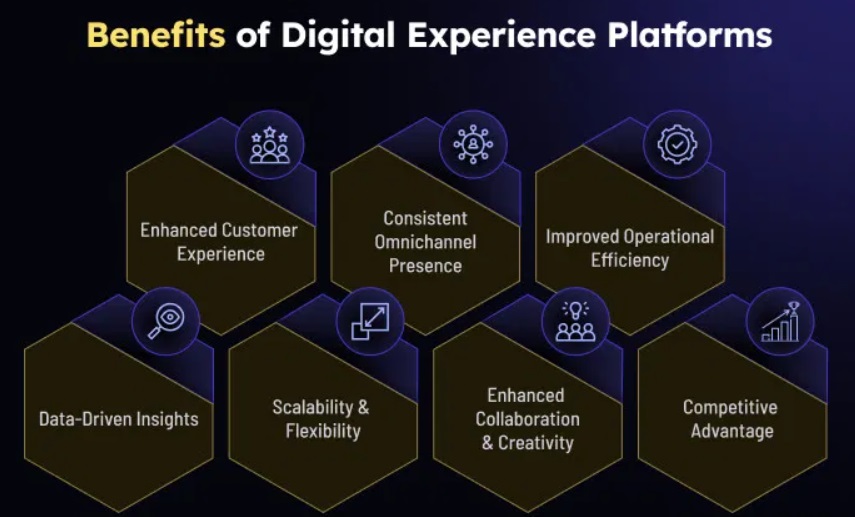
- Digital experience platforms (DXPs) offer a range of features like content management and easy integration, helping businesses meet their digital needs.
- DXPs are great at creating personalized and smooth customer experiences, which are key to building loyalty and satisfaction.
- There are different types of DXPs—like open-source, cloud-based, and all-in-one solutions—each designed to suit specific business needs.
- The best DXPs come with powerful content management tools, omnichannel delivery, smart analytics, AI features, and strong security.
- To choose the right DXP, businesses should consider their goals, need for growth, ease of integration, user experience, and overall cost.
Welcome to the World of Digital Experience Platforms (DXPs). In today’s digital-first world, connecting with customers goes beyond having a website or app—it’s about creating meaningful, personalized experiences at every touchpoint.
Digital experience platforms (DXPs) help businesses do just that. They bring together tools like content management, digital asset handling, and customer data to deliver seamless, engaging experiences across all digital channels.
Recognized by industry leaders like Gartner, DXPs are changing how businesses interact with customers—making every online interaction smoother, smarter, and more impactful.
In this guide, we’ll explore how the best DXPs are reshaping customer engagement and helping businesses stay ahead in a fast-evolving digital landscape.
What Are Digital Experience Platforms (DXPs)?
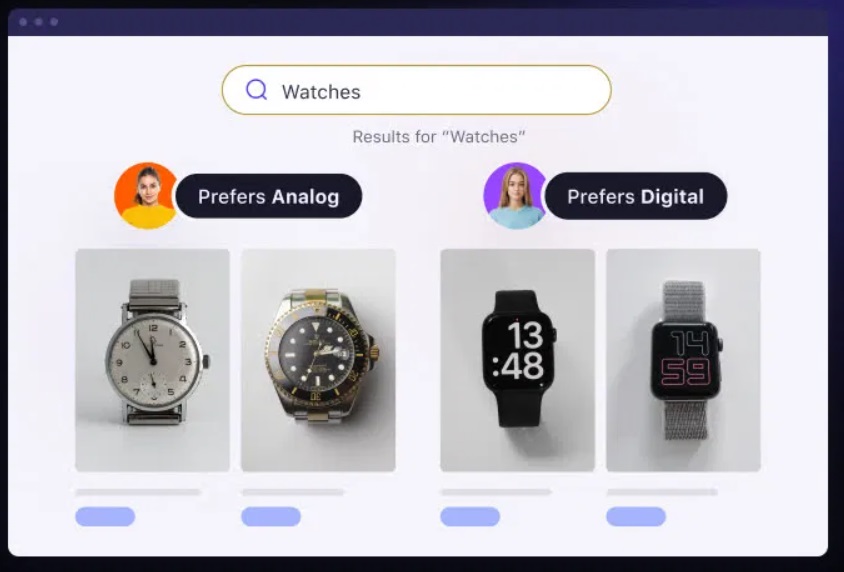
A Digital Experience Platform (DXP) is a set of connected tools designed to help businesses create, manage, and improve personalized digital experiences across different channels.
Unlike traditional content management systems (CMS) that mainly focus on websites, DXPs offer much more—they support web content, mobile apps, customer portals, and more, all in one place.
In the next section, we’ll take a look at some of the top DXPs that are currently leading the market.
What Are the Best Digital Experience Platforms?
There are many digital experience platforms available today, each offering unique features. While the full list is extensive, we’ve handpicked some of the most popular and widely used DXPs to give you a solid starting point.
Here are the top platforms you should know about:
1. Adobe Digital Experience Platform

Adobe Experience Platform is a leading DXP that helps businesses collect, manage, and use customer data across all current and future digital channels. It’s designed for large-scale personalization and smooth customer experiences.
Built natively with Adobe’s powerful tools, the platform offers top-notch features for analytics, customer engagement, audience targeting, omnichannel journey tracking, and performance optimization.
Its open and flexible architecture, along with smart tools, services, and APIs, makes it easy to build custom applications tailored to your business needs.
At the heart of Adobe Experience Platform is Adobe Sensei, an AI-powered engine that helps businesses make smarter, data-driven decisions and deliver personalized customer experiences.
Features:
- Data collection
- Experience Data Model
- Real-time customer profile
- Data governance
- AI services
- Query service
- Privacy service
Integrations:
- Hootsuite, Contently, Relayto, Highspot, Censhare, Widen Collective, and many more.
Pros:
- Offers powerful and reliable DXP capabilities for creating seamless, personalized customer experiences.
- Highly scalable and flexible—ideal for growing business needs.
- Strong developer support, especially with a wide pool of experienced Java professionals.
Cons:
- Managing digital assets can be a bit tricky—finding the right files isn’t always straightforward.
- Users often need to juggle between multiple tabs to locate and organize content efficiently.
2. Acquia Digital Experience Platform
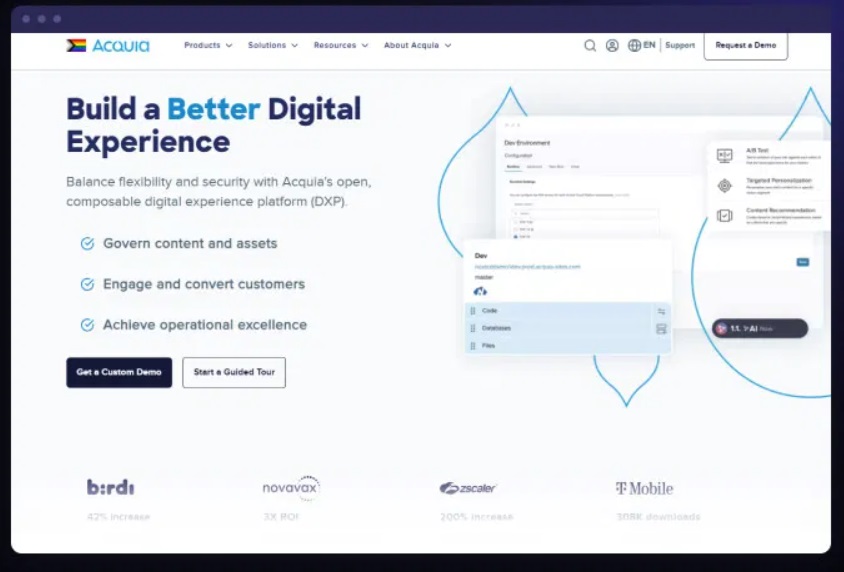
Acquia is one of the top AI-powered headless CMS platforms that helps businesses manage and share marketing content across different digital channels, including customer portals.
With Acquia DXP, users can build web pages using a drag-and-drop interface on the Drupal Cloud platform, while still following brand guidelines. It also lets developers assign role-based access, making it easier to manage who can edit what—especially in secure areas like customer portals.
Developers can also use Acquia’s built-in development environment (IDE) to build and deploy both front-end and back-end applications.
On the marketing side, teams can use Acquia Marketing Cloud to plan and run campaigns, track customer journeys, and get a complete view of audience behavior and data—all from one place.
Features:
- Drag & Drop Interface
- Component-Based
- Responsive Design
- Multilingual
- Multi-Experience Management
- Data Management
- Security & Compliance
- Digital experience management
- Multi-Marketing Automation
- Snowflake Data Sharing
Pros:
- Easy management of SSL certificates for secure connections.
- Reliable database backup functionality to protect data.
- Supports job scheduling to automate routine tasks.
Cons:
- Visitor and traffic data in the admin dashboard is quite limited.
- Needs better visibility and optimization tools for database and file storage.
- Lacks built-in monitoring and alert features, which could help identify issues faster.
3. ContentStack
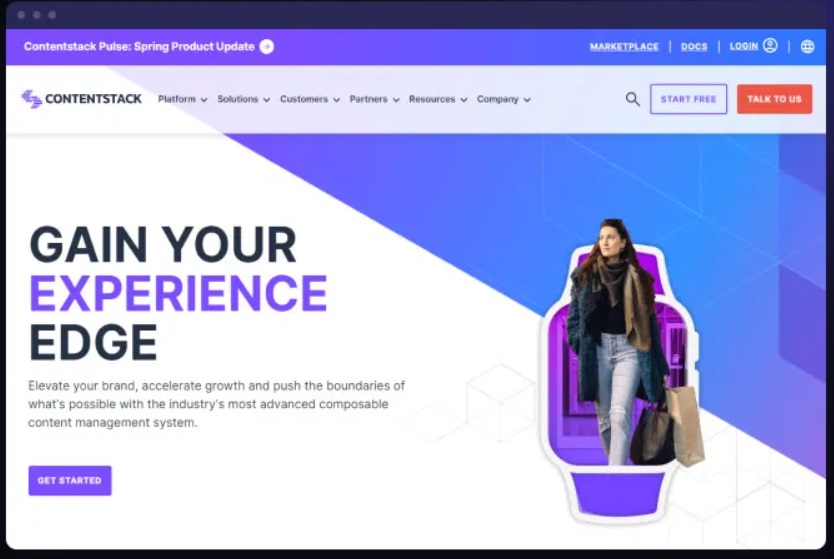
Contentstack is a leading API-first headless CMS and digital experience platform that helps businesses deliver personalized content across multiple channels—like websites, mobile apps, IoT devices, and even AR/VR platforms.
It uses JSON architecture and CDN APIs to make sure content loads quickly and adapts to different platforms.
With Contentstack, admins can resize images to fit different screen sizes, manage who can create or edit content with role-based access, and easily publish updates. The built-in admin panel and asset management tools also allow users to track content changes, set up approval workflows, and organize media files.
Security is a strong suit, with SSO, two-factor authentication, and 256-bit encryption protecting your data. You can also localize content by choosing different languages for various global websites and apps.
Other helpful features include audit logs, bulk content uploads, and content publishing schedules to keep your workflows running smoothly.
Features:
- Content Authoring
- Rich Text Editor
- Versioning
- Approval Process
- Content Scheduling
- Asset Management
- Internal Search
- Content Repository
- Customization
- SEO
- Flexible Navigation Structures
- User, Role, and Access Management
- Enterprise Scalability
- Internationalization
- API & Integrations
Integrations:
- MonkeyLearn, IBM Watson, Zapier, Memsource, XTM, Algolia, Bynder and more…
Pros:
- Strong image editing tools.
- Easy resizing, converting, and compressing.
- Smart and dependable CMS.
- Handles complex content smoothly.
Cons:
- Few pre-built templates.
- Limited content libraries.
4. Vue Storefront
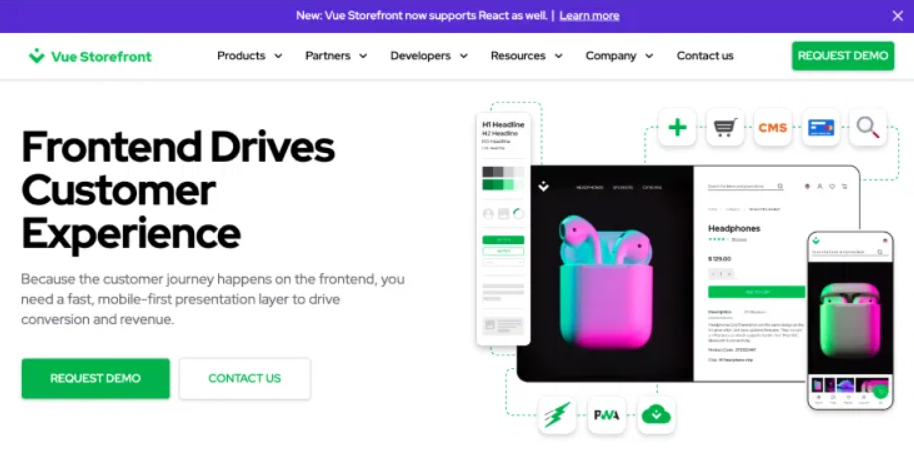
Vue Storefront is a digital experience platform that provides a standalone PWA (Progressive Web App) storefront. It’s built specifically for headless commerce.
It connects easily with other tools in your tech stack using APIs. This includes platforms like Magento, Shopware, and more.
With Vue Storefront, you can build a fast, mobile-friendly shopping experience. It feels just like a native app.
This platform boosts site performance and offers great customization options. It uses a modern JavaScript stack and follows a headless commerce approach.
What usually takes months to build can now be done in just weeks. Thanks to its fast technology, load times are reduced to a fraction of a second.
It also improves customer experiences—making them smoother both online and offline.
Features:
- Push Notifications
- Offline Mode
- Magento-Ready Platform
- Third-Party Integrations
- Voice Commerce
- Cloud Hosting & Backups
- AMP Rendering Engine
- Chatbot Assistant
- PayPal Payments
- Full-Screen Mode
Integrations:
- PayPal, Amazon Alexa, and Google Assistant
Pros:
- PWA-ready and Headless
- Speed of navigation
Cons:
- Lacks features like catalog or basket rules.
- Traffic, conversions, and page speed may drop after switching.
What Are the Benefits of Digital Experience Platforms?